Headless Blog API Explained: How Modern Websites Manage Content
Learn how a headless blog API separates content from your frontend, why modern developers use this architecture, and how CMSKite fits the workflow.
6 min read
Headless Blog API Explained: How Modern Websites Manage Content
A headless blog API gives your website a clean way to retrieve and manage blog content without forcing the frontend to live inside the same platform as the CMS.
That sounds simple, but it changes how you can build a modern website. Instead of installing a large blogging system and adapting your frontend around it, you can keep your existing application, manage content separately, and deliver published posts through an API.
This is the approach behind CMSKite.
What is a headless blog API?
A headless blog API is the connection between your content management system and your website.
The CMS stores and manages structured content such as:
- Blog posts
- Categories
- Tags
- Authors
- Drafts and published content
- SEO metadata
- Publishing information
Your website requests that content through an API and decides how it should look.
The important distinction is that the CMS does not own your frontend.
A Next.js website, React application, Astro project, mobile app, or custom frontend can consume the same content without rebuilding the presentation layer inside the CMS.
Why developers are moving toward headless blogging
Traditional blogging platforms are often designed to do everything in one place. That can be useful when you want a complete website builder, but it can become limiting when you already have a modern application.
Imagine you have already built a website with Next.js.
Your frontend already has its own components, routing, authentication, deployment pipeline, caching strategy, and design system. You only need a reliable way to manage your articles.
Replacing that architecture just to add a blog creates unnecessary work.
A headless blog API solves the narrower problem: content management.
Your application remains yours, while the CMS handles the content layer.
How a headless blog API works
The workflow is straightforward:
Write content → Optimize SEO → Publish → Request content through API → Render on your website → Measure performance
For example, your server can request the latest published posts from CMSKite, receive structured JSON, and render those posts using your own components.
That means the same article can potentially power multiple experiences.
Your website could use it today, while a mobile app, documentation portal, newsletter workflow, or another product could consume the same content later.
What makes an API-first blog different?
An API-first blog is designed around structured content rather than pages.
Instead of thinking:
“This article belongs to this theme.”
You think:
“This article has a title, slug, body, author, category, tags, SEO metadata, and publishing status.”
That structure gives developers more flexibility.
You can decide exactly how content should be displayed, cached, searched, related, and distributed.
It also makes migrations easier because your content is not tightly coupled to a specific frontend.
CMSKite as a headless blog API
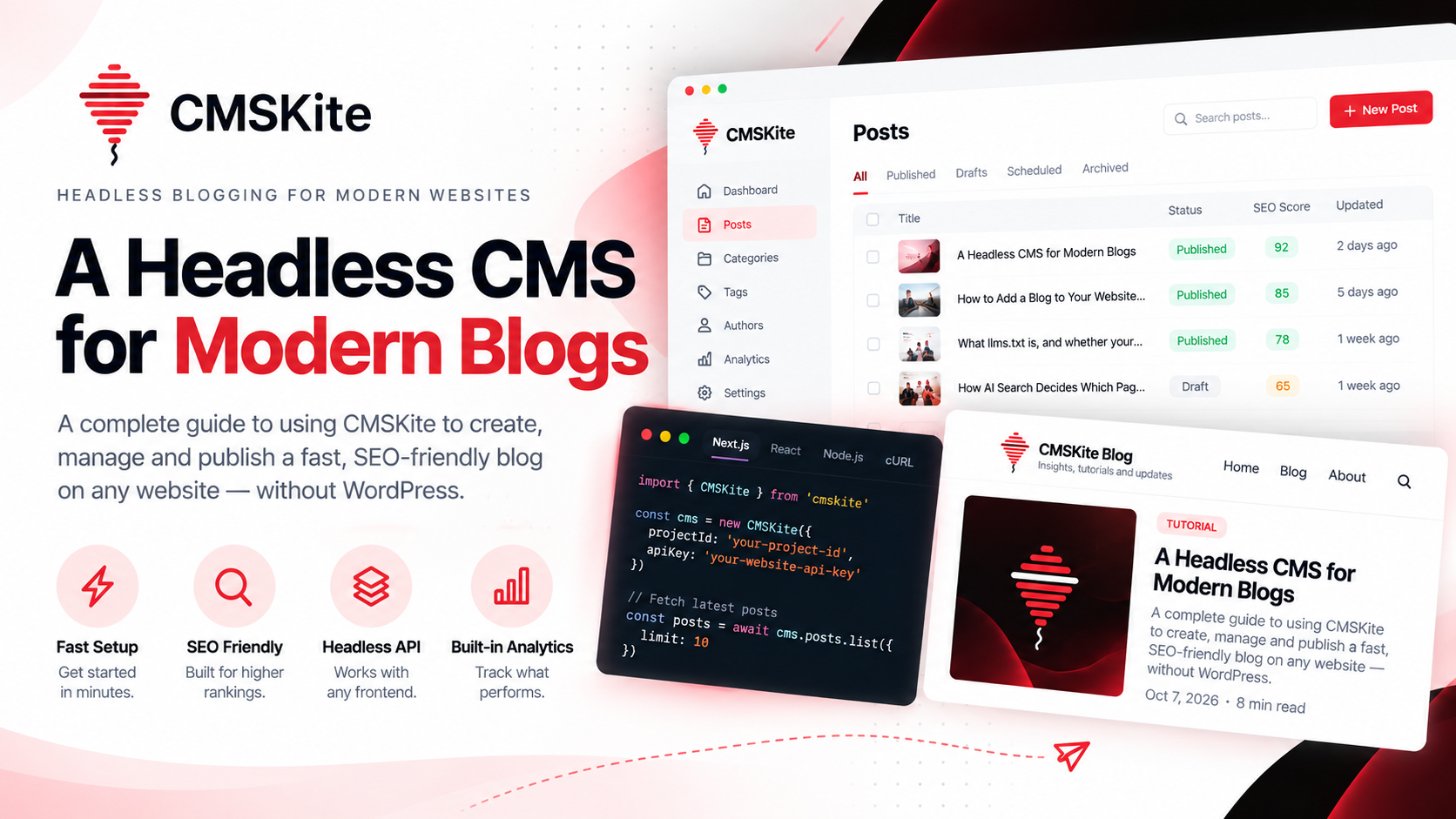
CMSKite is built around this model.
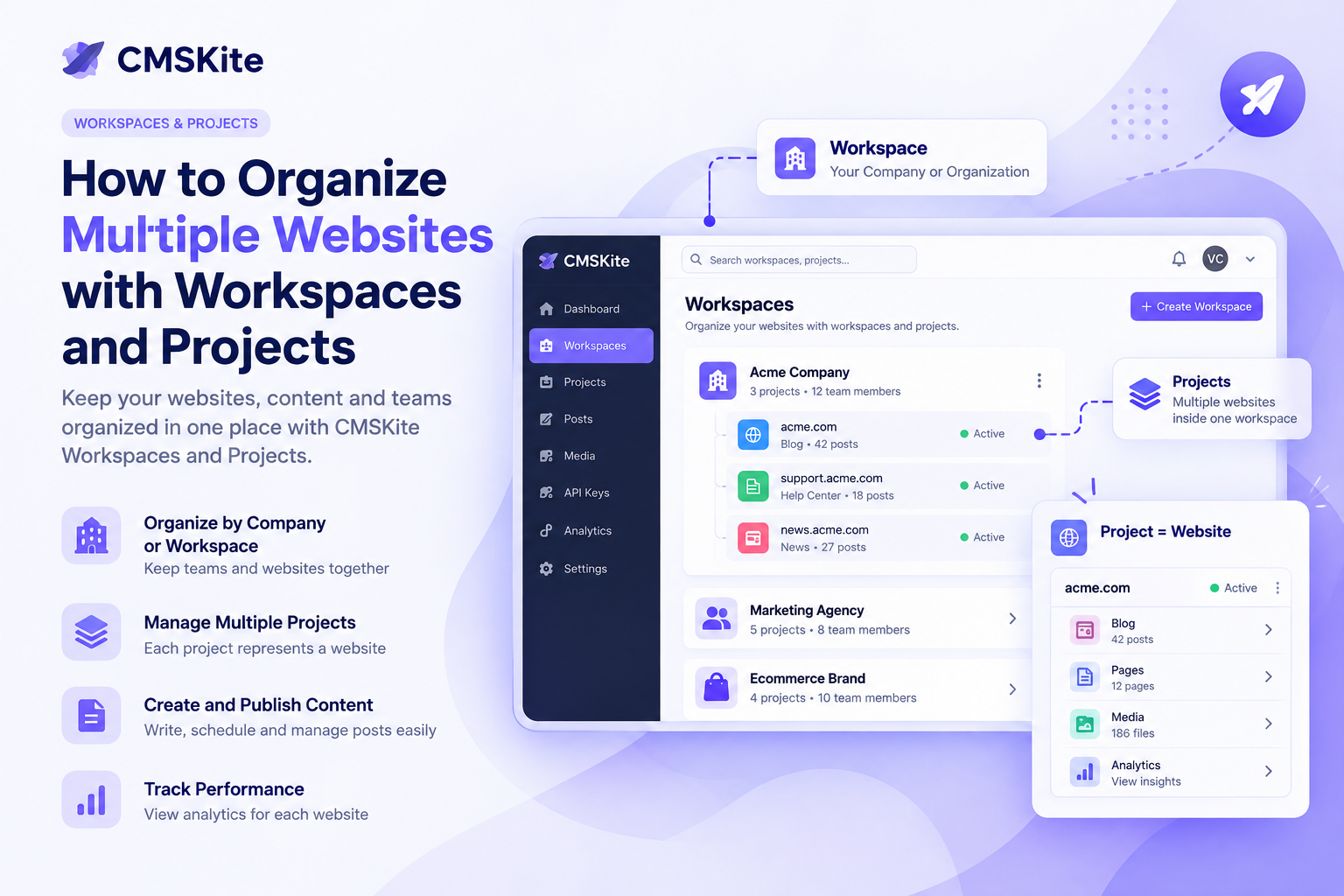
You manage content from the CMSKite dashboard and expose published content to your website through its API. Your frontend then decides how that content should be rendered.
This is particularly useful for developers building with modern frameworks.
For example, a Next.js project can keep its existing architecture while CMSKite handles posts, categories, tags, authors, publishing, SEO fields, and analytics.
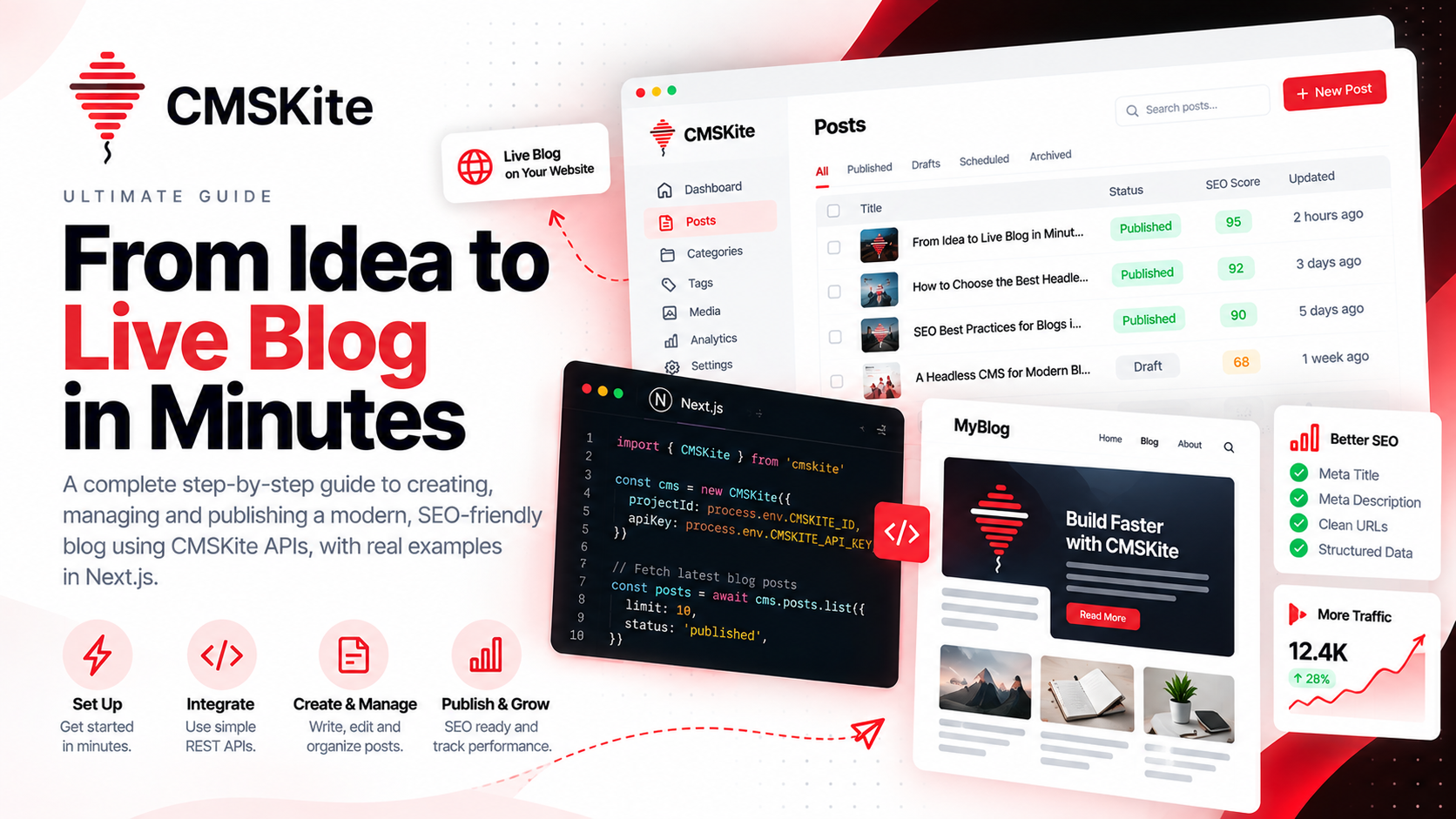
I have also documented the implementation side in the guide to building a blog in Next.js with the CMSKite SDK.
SEO belongs in the content layer
A blog API should not only return a paragraph and a title.
Search performance depends on more than the article body.
A modern content model should support things such as:
- SEO titles
- Meta descriptions
- Focus keywords
- Canonical URLs
- Structured headings
- Slugs
- Indexing controls
- Social sharing metadata
Putting those fields close to the content makes publishing more consistent.
Instead of asking a developer to manually configure SEO after every article is written, the publishing workflow can treat SEO as part of the content itself.
That is one of the areas where a dedicated content platform can be much more useful than simply storing Markdown files.
Your website should control the experience
One of the biggest advantages of a headless blog API is frontend freedom.
You can make your blog look like the rest of your product instead of making your product look like a CMS.
You control:
- Layout
- Typography
- Navigation
- Related content
- Loading states
- Search
- URL structure
- Responsive behavior
- Caching
- Performance
The CMS provides the data.
The application provides the experience.
This separation is especially valuable for companies that have invested heavily in a custom frontend.
What about images and media?
Content does not stop at text.
A practical blog platform also needs a way to manage featured images and media alongside posts so that articles are ready for both readers and search engines.
When content and media are managed as part of the same workflow, publishing becomes much easier to automate.
You can create an article, attach its banner, define the metadata, publish it, and then let the website consume the finished content through the API.
Analytics closes the loop
Publishing is only half of the job.
The next question is whether the content is actually working.
Analytics can help you understand:
- Which articles receive the most views
- Which posts attract unique readers
- Which topics consistently perform
- Whether traffic is growing over time
- Which content deserves an update
That creates a better feedback loop:
Create → Publish → Measure → Improve
A headless blog API becomes much more valuable when analytics is connected to the same content system because you can make editorial decisions using actual performance data.
Headless blog API vs a traditional CMS
A traditional CMS can be the right choice for teams that want a complete website builder with themes, plugins, and a tightly coupled publishing environment.
A headless approach is usually more attractive when:
- You already have a custom frontend.
- Your developers want full control over the website.
- You want content delivered through an API.
- You may reuse content in multiple applications.
- Performance and modern frameworks are important.
- You want the content system to evolve separately from the frontend.
There is no universal winner.
The better architecture depends on what you are actually building.
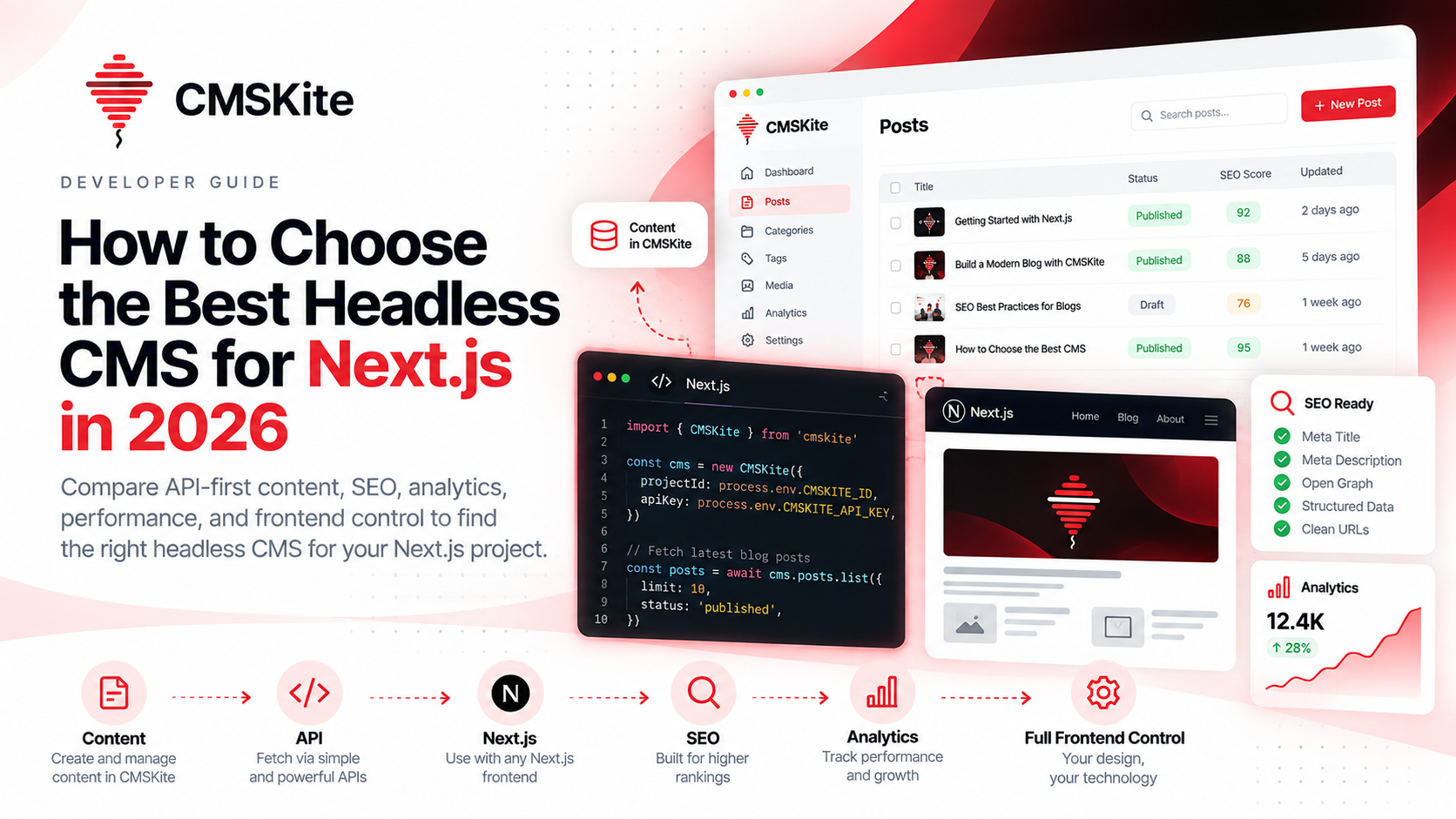
Why this architecture works well with Next.js
Next.js is a good example of where a headless blog API fits naturally.
Your application can fetch content on the server, generate pages, cache responses, revalidate content, and keep full control over the rendering experience.
That means you can have a fast website while your content team uses a separate dashboard for publishing.
For a deeper walkthrough, see How to add a blog to your website without WordPress.
The real benefit: separation of responsibilities
The biggest benefit is not simply “having an API.”
It is separation.
The content team does not need to understand your component architecture to publish an article.
Developers do not need to rebuild an admin dashboard every time the blog needs a new feature.
The frontend can evolve without moving the content.
The content system can evolve without redesigning the website.
That separation reduces coupling and makes the entire publishing workflow easier to maintain.
When should you use a headless blog API?
A headless blog API is a strong fit when your website is already application-driven and you want a dedicated content layer.
It is especially useful for:
- SaaS websites
- Startup websites
- Developer documentation
- Product blogs
- Personal technical blogs
- Content-driven marketing sites
- Multi-frontend content systems
It may be unnecessary for a very small site that needs a simple all-in-one website builder.
Use the architecture that matches the complexity of the product.
Final thoughts
A blog should not force you to rebuild your website.
With a headless blog API, you can keep your frontend, keep your development workflow, and add a structured content layer that can scale with the rest of your application.
That is the idea behind CMSKite: manage content in one place, deliver it through a clean API, keep control of your frontend, and use SEO and analytics as part of the publishing workflow.
The result is a blog architecture built for modern websites rather than websites built around the limitations of a blog system.
- #headless-blog
- #blog-api
- #headless-cms
- #cmskite
- #next-js
- #api-integration
- #seo