Feature · Free blog link
A free blog for your business, live the day you sign up.
No website yet? Not ready to touch the one you have? Every CMSKite account comes with a blog at cmskite.com/b/your-name. Publish a post and it is there for anyone to read, with your name and colour on it, no ads, and nothing to install or pay for.
What it is
A complete blog on our address instead of yours: a front page listing your posts, a page for every post, and a page for every category. The address is made from your name when you sign up, so it is ready before you have done anything, and you can change it.
It is the same blog you write for everywhere else in CMSKite. A post you publish shows on the free link and, once you add the blog to your own site, on your site too. Nothing is written twice.
Who it is for
- Businesses that live on Instagram and WhatsApp. Put the link in your bio and your status; send a post to a customer who asked the same question last week.
- Anyone without a website yet. Start writing now. When the site arrives, the posts move with you (see below).
- Sites that cannot run scripts. Some website plans strip pasted code. Link to the free blog from your menu instead.
- Agencies trying CMSKite for a client before anyone touches the client’s live site.
How it works
Sign up free
Sign in with Google or your email. No card. Your blog’s address is created with your account.
Publish a post
Write it yourself, or let AI writing draft it in English, हिंदी or Hinglish. Press Publish.
Open and share the link
The post is on your free blog, usually within a minute. Copy the link into your bio, a WhatsApp message or an email.
Make it yours
In Website settings → Hosted blog, set the address, the blog’s title, a line about it and your colour.
What you get, at no cost
| Part | What it does |
|---|---|
| Your address | cmskite.com/b/your-name, 3 to 40 lowercase letters, numbers and hyphens, yours as long as you keep it. |
| Your name and colour | The blog’s title at the top, your colour for links and highlights, a short line about the blog under the title. |
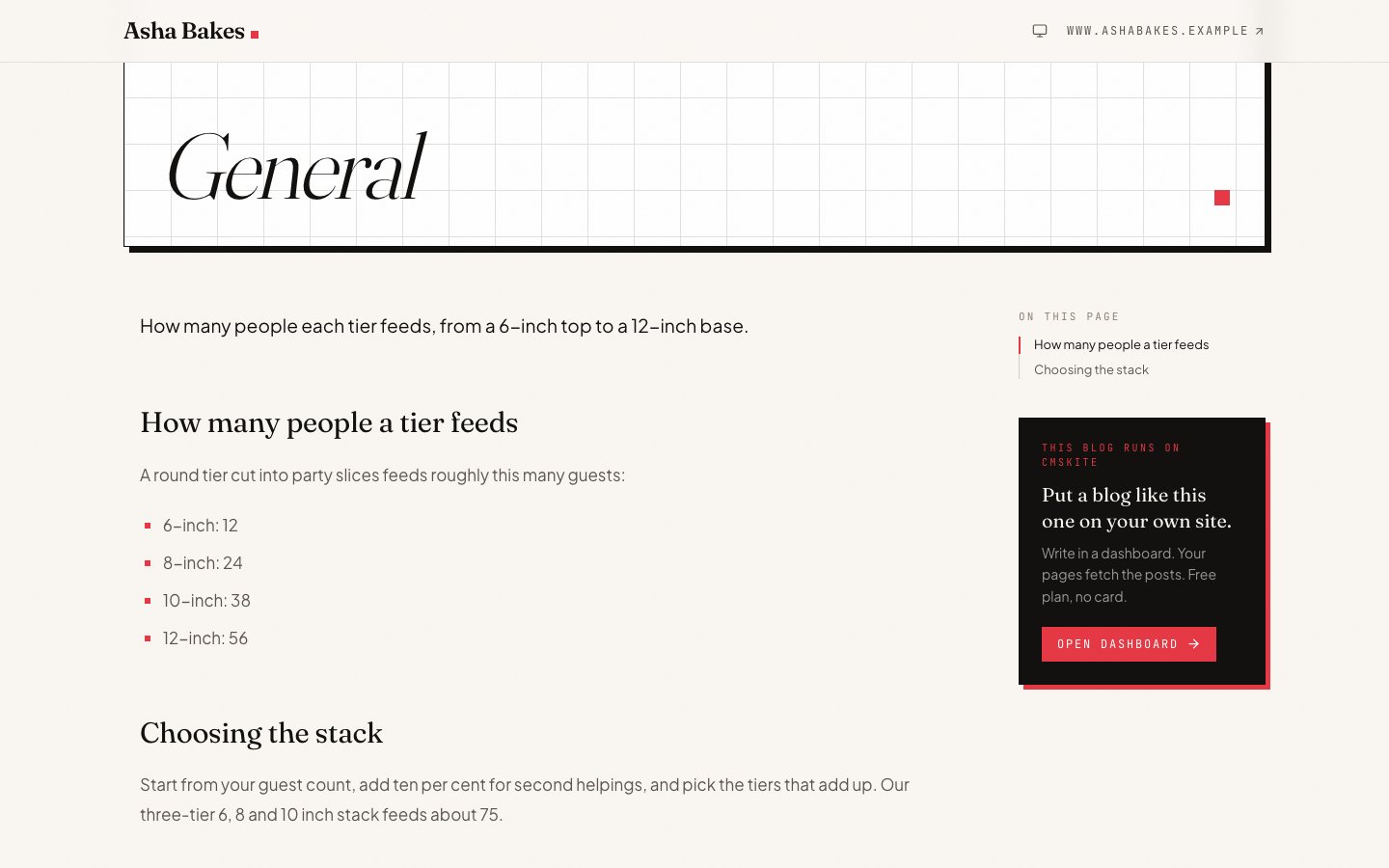
| A page per post | Title, author, date, reading time, featured image, the full post with its tags, a table of contents on wide screens, and up to three related posts. |
| Category pages | One page per category, so readers can follow the subject they came for. |
| Light and dark | Readers can switch between a light and a dark page. |
| A way to your website | Once your website’s address is in your settings, the header links back to it on tablets and computers. |
| Search and sharing | Each post has its own title, description, social image and article data, and the blog has a sitemap. More below. |
| Views | Every read is counted and shows in your dashboard with the rest of your analytics. |
No ads. Nobody pays to put anything on your blog. What you will see of us: a “Powered by CMSKite” link in the footer, and beside each post a small box saying the blog runs on CMSKite.
Search engines, and moving to your own site later
The free link is served as finished HTML: the words of the post are in the page itself, so any crawler can read it without running scripts. Each post page carries its title, description, canonical link, a social image for link previews, and structured data naming the headline, author and dates.
While you have no website connected, the free link is the home of your posts, and its sitemap at cmskite.com/b/your-name/sitemap.xml lists them.
When your own site starts showing the posts, through the two-line embed or the API, every post page on the free link points search engines at the same post on your site. The credit goes to your domain, the two copies never compete, and the free link stays up as a backup. You do not have to do anything to make that switch.
What it is not
- Not on your own domain. The free link always lives at cmskite.com. There is no setting to point
blog.yourbusiness.comat it. To have posts on your domain, add the blog to your website with the two-line embed. - Not a website builder. It has a front page, post pages and category pages, not an about page, a contact form or a shop.
- Changing the address breaks old links. The old address stops working, so links you have already shared go nowhere. Pick it early and keep it.
- The front page lists your newest 50 posts. Older posts keep their pages and addresses.
Free, and what the plans add
| Free | Starter | Team | |
|---|---|---|---|
| Price | Free forever | ₹799 / $9 a month | ₹2,499 / $29 a month |
| Posts | 35 | Unlimited | Unlimited |
| Posts written with AI | 3 a month | 30 a month | 30 a month |
| Websites | 1 | 1 | 5 |
The free link is on every plan and never expires. Each website in your account gets its own, with its own address and look.
Questions
- Is the blog really free?
- Yes. The free plan includes the hosted blog, posts and a few AI posts a month, with no card and no end date. The table above shows the current limits.
- Are there ads on my free blog?
- No. Nobody else’s ads appear on your blog, on any plan. We do sign our work: a “Powered by CMSKite” link in the footer, and a small box beside each post saying the blog runs on CMSKite.
- Can I use my own domain?
- Not for the free link: it stays at cmskite.com/b/your-name. To have your blog on your own domain, paste the two-line embed on a page of your website, or have your developer use the API.
- Can I change the address later?
- Yes, in Website settings → Hosted blog, if the new name is free. The old address stops working, so any link you have already shared to it breaks.
- Will posts on the free link show up on Google?
- They can. Each post is a real page with its own title, description and structured data. Search engines find new sites slowly, so share the link and link to it from your profiles to help them along.
- What happens to the free link when I connect my website?
- It keeps working for readers. Its post pages start telling search engines that your website is the real home of each post, so your site gets the credit.
Related
- Your free blog link: the guideChanging the address and look, and how it shares SEO with your site.
- Add a blog to your websitePut the same posts on your own domain with two lines.
- AI blog writerFill the blog faster, in English, हिंदी or Hinglish.
- Getting started (no code)Sign-up to first published post in about ten minutes.
- CMSKite for WixWhy Wix sites lean on the free link for search.
Checked