How to add a blog to your website without WordPress
You already have a website. You want a blog on it, in your design, without a second site to host and patch. Here is the short way.
1 min read
Most websites are finished before anyone asks for a blog. The design is set, the pages are built, and then somebody says the site needs fresh content to rank. The usual answers are a WordPress install on a subdomain, or a blog builder that looks nothing like the rest of the site.
There is a shorter way: keep your site, and fetch the posts into it.
What a blog actually needs
Strip a blog down and it is three things:
- A place to write, with drafts, scheduling and images.
- A list of posts, and one page per post, on your own domain.
- Titles, descriptions and addresses that search engines can read.
Only the first one needs new software. Your site already knows how to render a page.
Write in a dashboard, read over HTTP
With a headless blog, the writing happens in a hosted dashboard and your site asks for the posts over HTTP. Your /blog page lists them; your /blog/[slug] page shows one. They inherit your header, your fonts and your footer, because they are your pages.
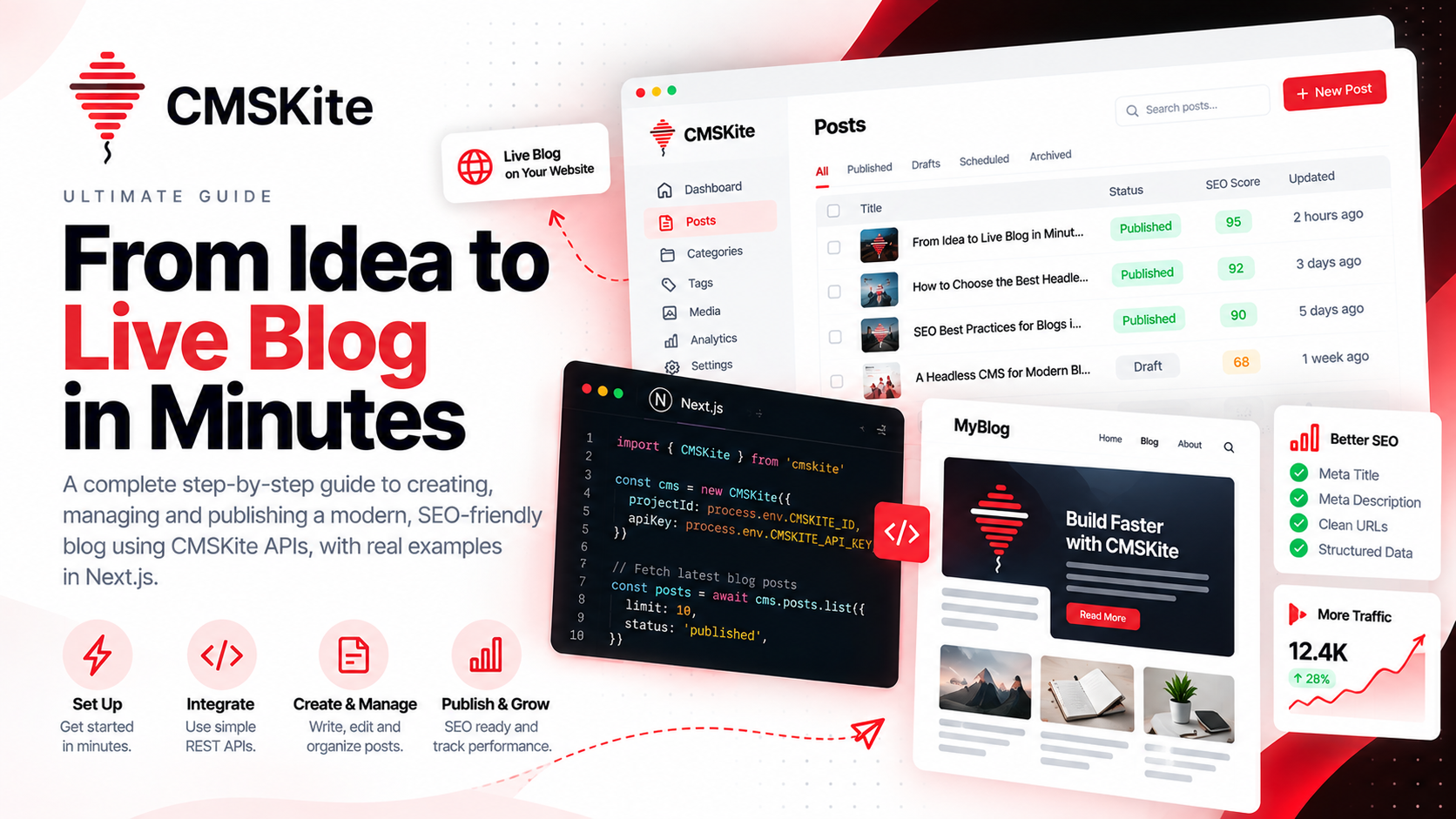
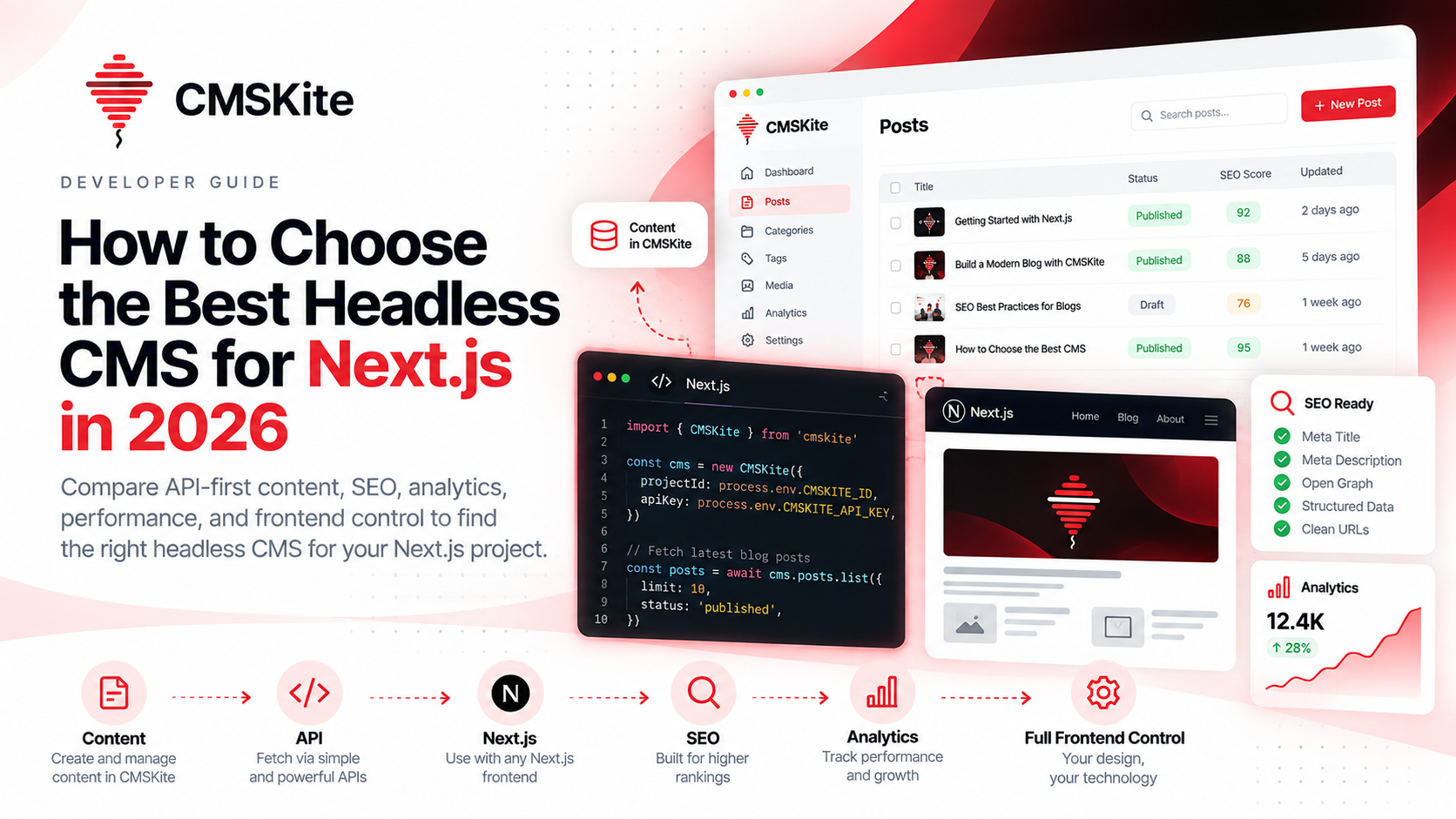
const { items } = await cms.posts.list({ limit: 10 })
That one call is the whole integration for a list page.
Why not a subdomain
A blog on blog.example.com is, to a search engine, a separate site that has to earn its own reputation. Posts on example.com/blog add to the domain you are already building. They also keep visitors inside your navigation, one click from your product.
What to do next
- Pick the two pages: a list and a post.
- Create a project and a read-only API key.
- Write one post you would want to find yourself, and publish it.
The first post is the hard part. The plumbing takes an afternoon.
- #getting-started
- #headless-cms
Updated .