CMSKite for Emergent
Add a blog to your Emergent app, rendered on the server.
Emergent builds whole apps, front end and back end, from a conversation. That back end is what makes a good blog possible: the prompt CMSKite writes for Emergent has your app fetch posts on the server, so search engines, link previews and AI assistants all get the full post. You write in CMSKite; Emergent never needs another prompt for a new post.
Why not let Emergent build a blog database?
Emergent apps come with a back end and a MongoDB database, so it can build you a blog with an admin screen. Then it is yours to look after: the editor, image uploads, drafts, who may publish, and every fix is another conversation that uses credits and another redeploy. CMSKite already is that part, and your app only has to read from it.
- No redeploy per post. Your app fetches posts when a page is requested, so a post is live when you publish it.
- An editor your writers can use. Invite them to CMSKite as editors; they never see your Emergent project.
- SEO fields per post, filled in for you if you leave them blank, and AI drafts in English, हिंदी or Hinglish.
What the Emergent prompt contains
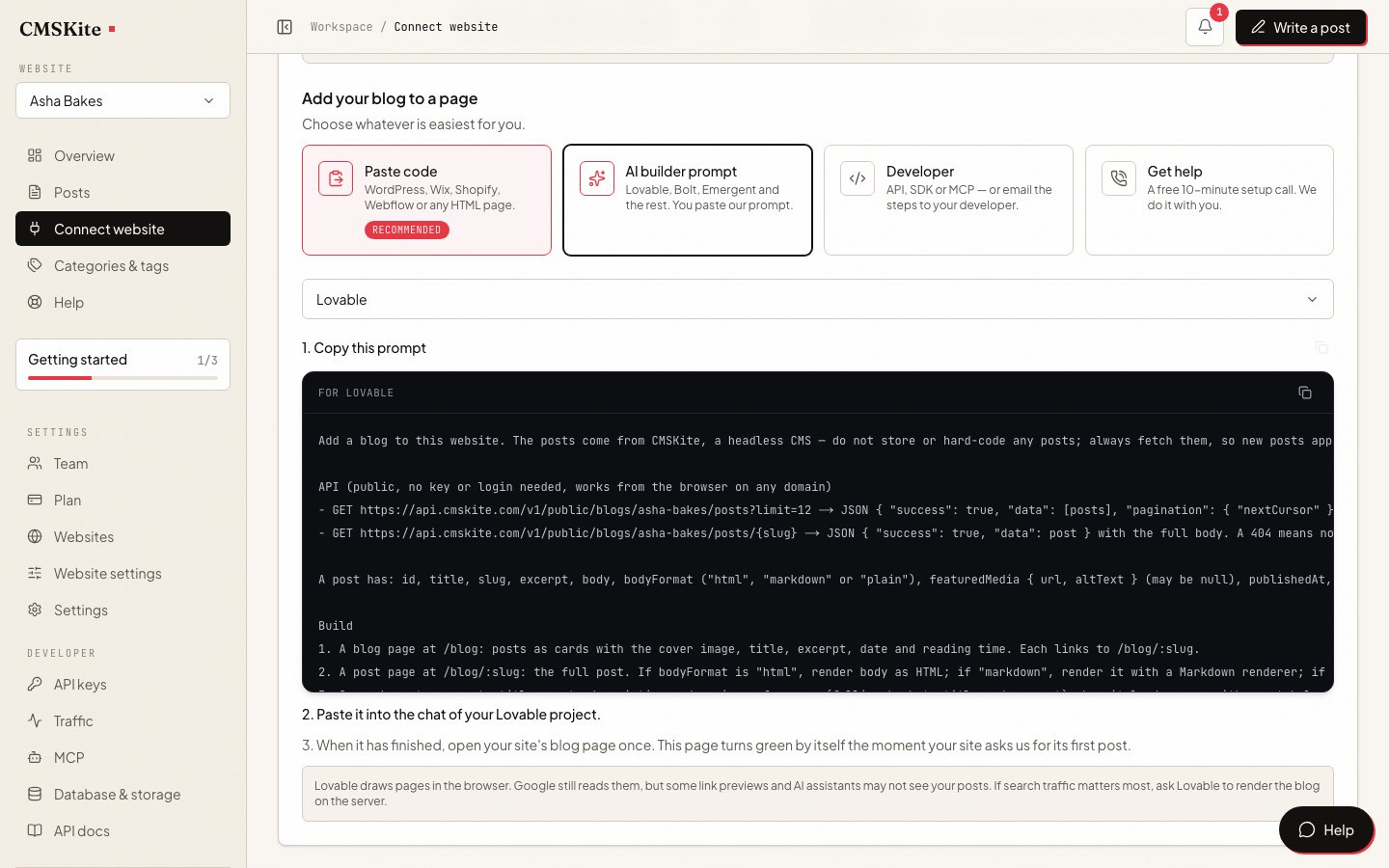
Emergent gets the same key-free prompt as Lovable and Bolt, written for a builder with a server:
- No API key. It reads your published posts from CMSKite’s public blog address, which needs no key, so there is nothing to paste into the chat and nothing to add to Emergent’s Secrets.
- The two addresses (the list of posts, and one post by its slug), paging, and every field of a post by name.
- Fetch on the server, not in the browser, so the post is in the HTML a crawler receives.
- Head tags from the post:
<title>, meta description, canonical link and social image, withnoindexwhere you asked for it. - A small call from the browser when the blog page opens, so your dashboard knows the app is live and where the posts are, and one when a post opens, so its reads are counted.
- A `/blog` list and a `/blog/:slug` post page in your app’s design, a Blog menu link, an empty state and a not-found page.
Add it to your Emergent app
Set the address your app is deployed at
Sign up free. In Project settings → General, set Website to your deployed Emergent address or your own domain. CMSKite builds each post’s canonical link and sitemap address from it.
Copy the prompt
Open Connect your website, choose AI builder prompt, and set Your builder to Emergent. Emergent needs no key, so the prompt is ready at once. Press Copy prompt.
Give it to Emergent
Paste the prompt into the Emergent chat for your app and send it. Try the blog in Preview: Emergent’s preview is free and updates as you go.
Deploy, or redeploy
Click Deploy, then Deploy Now; Emergent says it takes 5 to 10 minutes. A deployed app does not pick up changes until you redeploy.
Open the blog on the live app once
Visit
/blogon your deployed address, not the preview. Your CMSKite dashboard turns green by itself within a minute.
Common problems and fixes
The dashboard never turns green
You opened the blog in Preview, or on an address that is not the Website in your CMSKite project settings. The signal is only accepted from that site (with or without
www). Fix the setting, then open/blogon the deployed address.The blog works in Preview but not on the live app
A deployed app does not pick up changes until you redeploy. Click Deploy again. You only need this for the blog pages; new posts never need it.
View Source on a post shows no post text
The back end fetches the post, but the page is still drawn in the browser after it loads, so crawlers that do not run JavaScript see nothing. Ask Emergent to render the blog pages on the server, then check View Source again.
Canonical links point at the wrong address
The Website in your CMSKite settings is not where the app is deployed. Correct it; canonical links and sitemap addresses are built from it.
SEO on an Emergent app
Rendered on the server, each post arrives as a complete page: its text, title, description, canonical link and social image, readable by anything that fetches it. The copy on your free CMSKite blog link points its canonical at your app once your app has said hello, so your domain gets the credit.
A sitemap built from your app’s pages cannot list posts that live in CMSKite, so we keep one for you with every post at its address on your site. Ask Emergent to add this line to the app’s robots.txt, with your blog’s name, then redeploy:
Sitemap: https://cmskite.com/b/your-blog/site-sitemap.xml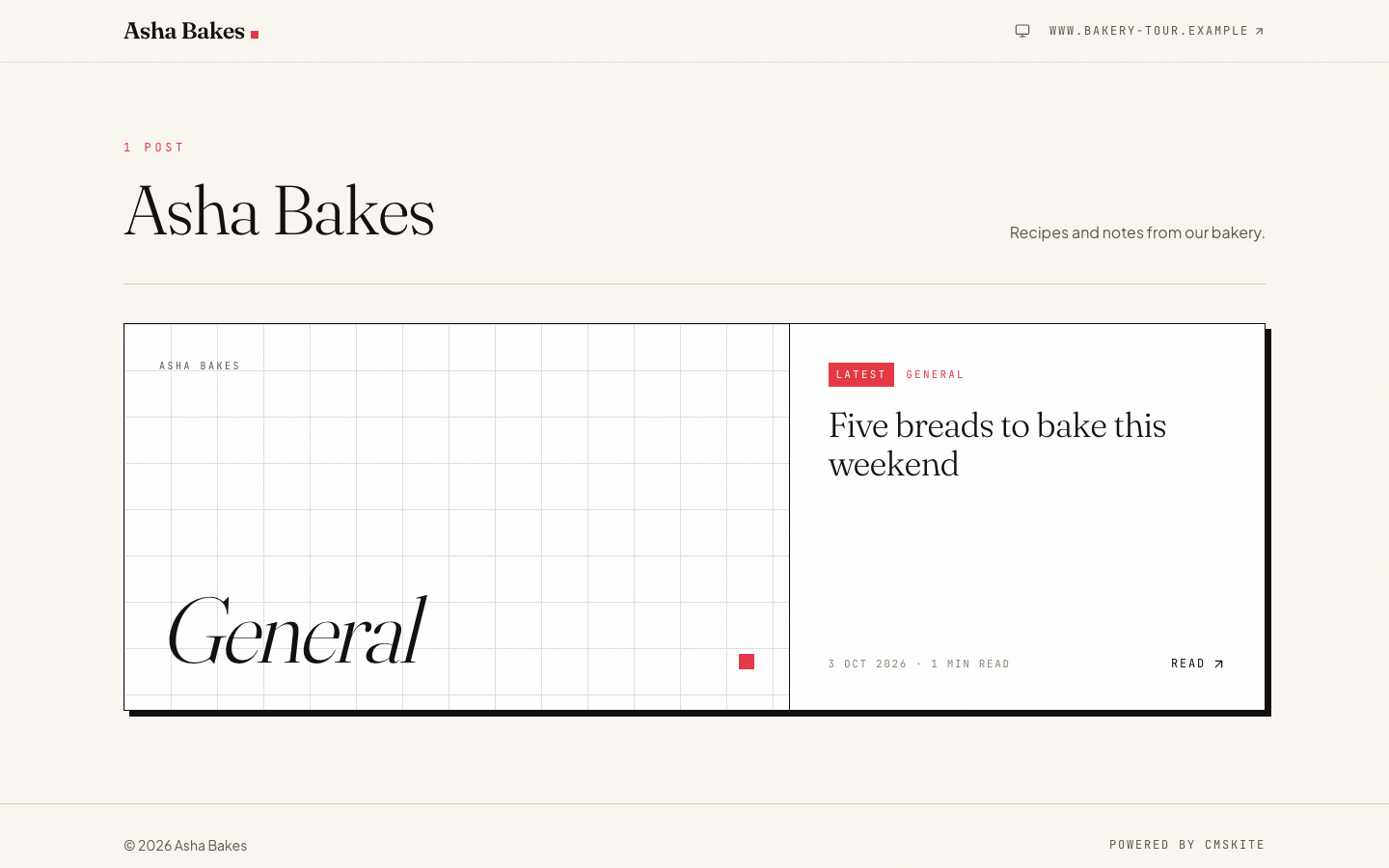
What it costs
| Free | Starter | Team | |
|---|---|---|---|
| Price | Free forever | ₹799 / $9 a month | ₹2,499 / $29 a month |
| Posts | 35 | Unlimited | Unlimited |
| Posts written with AI | 3 a month | 30 a month | 30 a month |
| Websites | 1 | 1 | 5 |
| Team members | 2 | 3 | 5 |
On Emergent, building from the prompt uses credits like any other work, and Emergent’s FAQ puts a deployed app at 50 credits a month. Previews are free. Your app reads posts from the public blog address, which does not count against your plan’s API requests.
Sources
Questions
- Is the blog rendered on the server?
- The prompt asks Emergent to fetch posts on the server so they are in the HTML. Check one live post with View Source; if the text is missing, ask Emergent to render the blog pages on the server.
- Do I need to put an API key in Emergent?
- No. The Emergent prompt reads CMSKite’s public blog address, which serves only your published posts and needs no key, so there is nothing to type into the chat or add to Secrets.
- Do I redeploy for each new post?
- No. Redeploy once, after the blog pages are built. New posts are fetched when a page is requested, so they appear as soon as you publish them.
- Can I use my own domain?
- Yes. Connect it in Emergent under Preview → Manage → Domain, then set the same address as Website in your CMSKite project settings.
- Is it free?
- CMSKite has a free plan with a hosted blog, posts, and AI posts every month, with no card. Emergent charges its own credits for building and deploying.
Related
- CMSKite for developersThe API and SDK, if you would rather wire the blog yourself.
- CMSKite for BoltThe same key-free prompt, for a site built in Bolt.
- Making your posts findableHead tags, sitemaps and structured data for a server-rendered blog.
- AI blog writerDrafts in English, हिंदी or Hinglish, for you to edit and publish.
- CMSKite for LovableThe same key-free prompt, for a site built in Lovable.
Checked