A blog in Next.js with the CMSKite SDK
Two pages, one client, rendered on the server and cached. The whole integration in about forty lines.
CMSKite team
1 min read
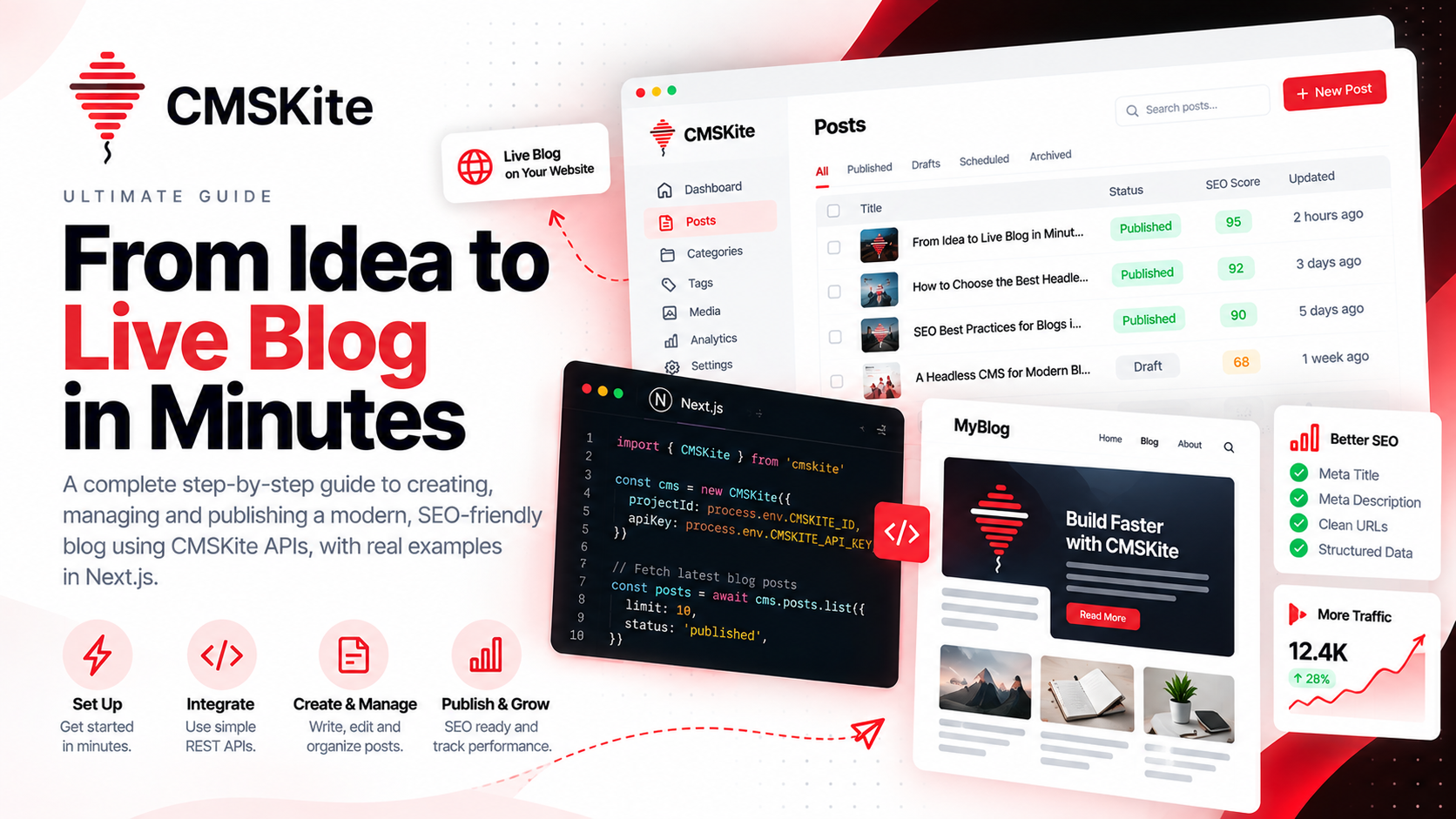
This walks through a list page and a post page in the Next.js App Router, rendered on the server so crawlers see finished HTML.
Install and create a client
npm install cmskite
// lib/cms.ts
import { createCMSKite } from 'cmskite'

export const cms = createCMSKite({ apiKey: process.env.CMSKITE_API_KEY! })
The key is read-only and belongs to one project. It stays on the server; nothing here runs in the browser.
The list page
// app/blog/page.tsx
import Link from 'next/link'
import { cms } from '@/lib/cms'

export const revalidate = 60

export default async function Blog() {
  const { items } = await cms.posts.list({ limit: 20 })
  return items.map((post) => (
    <Link key={post.id} href={`/blog/${post.slug}`}>{post.title}</Link>
  ))
}
The post page
// app/blog/[slug]/page.tsx
import { notFound } from 'next/navigation'
import { cms } from '@/lib/cms'

export default async function Post({ params }: { params: Promise<{ slug: string }> }) {
  const post = await cms.posts.findBySlug((await params).slug)
  if (!post) notFound()
  return <article><h1>{post.title}</h1>{/* render post.body */}</article>
}
Keep it fresh
revalidate = 60 rebuilds a page at most once a minute after a visit. Publish a post and it is live within the minute, with no deploy.
That is the integration. Everything else, from styling to layout, is your site doing what it already does.
- #nextjs
- #sdk
Updated .