Compare · Shopify blog
CMSKite or Shopify’s built-in blog? Where each one wins.
Every Shopify store already has a blog, and for search it is hard to beat: each post is a page your theme renders, listed in your store’s sitemap with nothing to set up. CMSKite earns its place elsewhere: writers who should not be in your Shopify admin, drafts that follow a brief about your store, reader numbers per post, and a blog that is not tied to one store. Here is the comparison, from both products’ docs.
The short answer
- Keep Shopify’s blog if one person writes, in the admin they already use, and you want every post to be a server-rendered page of your store in Shopify’s sitemap without touching theme code.
- Choose CMSKite if writers or a freelancer need access without a Shopify staff account, you want to see which posts get read, or the same blog has to work beyond this one store.
- Already have posts on Shopify? Keep them. They keep their addresses, and CMSKite can sit on a page of its own beside them.
Side by side
| Shopify blog | CMSKite | |
|---|---|---|
| Where you write | In the Shopify admin, under Content → Blog posts. A store starts with one blog, called News, and can add more. | In the CMSKite dashboard. Posts show on your free blog link and, through a Custom Liquid section, on a page of your store. |
| How search engines see posts | Pages your theme renders on the server, added to your store’s sitemap.xml automatically. | The embed draws posts with JavaScript: Google runs it, many other crawlers do not. Two small theme edits make it clear to Google: a canonical tweak and a Sitemap line in robots.txt.liquid. |
| Search settings per post | Page title, meta description and URL handle. | Slug, search title, description, social image, canonical link, article data, a sitemap entry and “keep out of search”. |
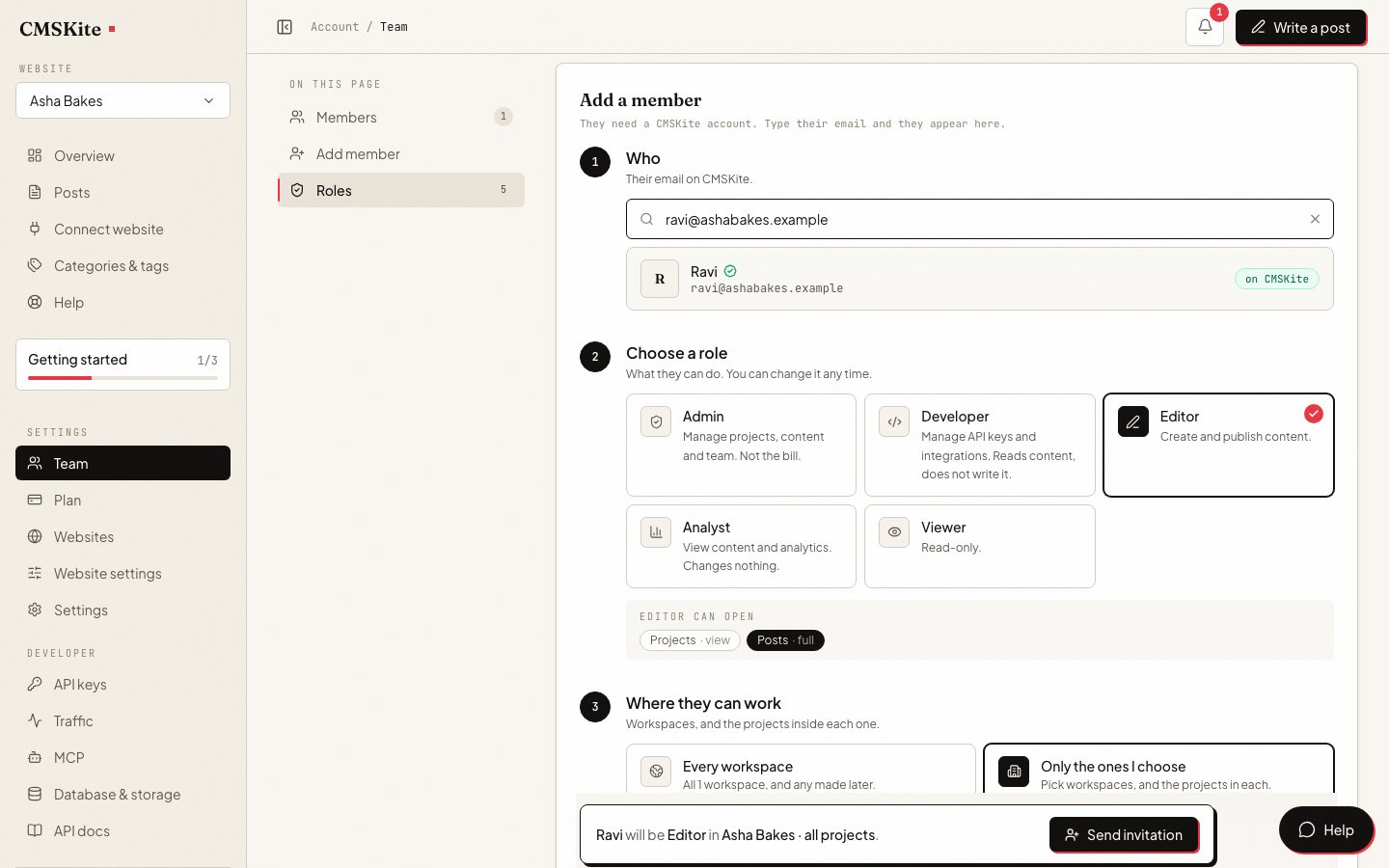
| Who can write | Staff accounts, by plan: none on Basic or Starter, 5 on Grow, 15 on Advanced, unlimited on Plus. Collaborator accounts are for Shopify Partners. | Six roles plus roles of your own; publishing is a permission of its own. Writers sign in to CMSKite and never see orders, customers or payments. Seats depend on the CMSKite plan. |
| AI drafts | Sidekick writes a title or the post content from a prompt, in any language Shopify supports. | Write with AI drafts a whole post from one sentence, in English, Português, Español, हिंदी or Hinglish, following a brief about your business, with the search title and description filled in. |
| Scheduling | Set a post to become visible at a future date and time. | Schedule a post and it goes live by itself. |
| Comments | Per blog: off by default, or on with moderation or automatic publishing, with spam filtering. | None. |
| Taking posts out | Shopify’s CSV export covers products, customers, inventory, users, orders and discounts, not blog posts. Moving posts means an app or the API. | No export button and no importer. Every post can be read through the API, in the format it was written (Markdown, HTML or plain text). |
When Shopify’s blog is the better choice
- You want search handled with nothing to configure. Shopify posts are rendered by your theme and listed in your sitemap from the moment you publish. CMSKite on Shopify needs two theme edits to be equally clear to Google, and crawlers that do not run JavaScript still miss embedded posts.
- The owner writes every post. If nobody else needs access, a second dashboard adds little, and Sidekick can draft in the editor you already use.
- You want comments under posts. Shopify blogs can take comments, with moderation and spam filtering. CMSKite has none.
- You want one less service. The blog is part of every Shopify plan: one admin, one bill, one theme.
When CMSKite is the better choice
- Writers should not have a Shopify staff account. Basic allows none at all, and every staff account is a person inside your store’s admin. CMSKite writers sign in to CMSKite only, with a role that can be limited to drafting while someone else publishes.
- You want to know which posts get read. Reader numbers for every post: views, unique readers and countries, without a cookie, on every plan.
- Drafts that sound like your store. Write with AI follows a brief you write once: what you sell, who buys it, what it must never claim. Drafts arrive with the search title and description written, and links to your own related posts.
- More than one store or site. One account holds several websites, each with its own blog and its own two lines (see the plans below), so a second store or a brand site does not mean a second blogging setup.
- The blog should outlive the theme, or the platform. Posts live in CMSKite. The same two lines work after a theme change, and on WordPress, Webflow or plain HTML if you ever move.
Using both
Most stores that compare the two keep both. Shopify’s blog keeps its posts and their addresses; CMSKite posts go on a Blog page with a template of its own and a Custom Liquid section. CMSKite for Shopify has the five steps, the canonical edit for the Dawn and Horizon themes, and the Sitemap line for robots.txt.liquid.
Moving old posts across is by hand: Shopify has no export file for blog posts and CMSKite has no importer. Posts that already rank are usually best left where they are. Write each new topic in one place only, so two posts do not compete for the same search.
What CMSKite costs
| Free | Starter | Team | |
|---|---|---|---|
| Price | Free forever | ₹799 / $9 a month | ₹2,499 / $29 a month |
| Posts | 35 | Unlimited | Unlimited |
| Posts written with AI | 3 a month | 30 a month | 30 a month |
| Websites | 1 | 1 | 5 |
| Team members | 2 | 3 | 5 |
Shopify’s blog comes with every Shopify plan. Shopify’s prices vary by country and its staff limits by plan; its plans page has the current ones. Nothing for CMSKite is bought from the Shopify App Store: Custom Liquid and robots.txt.liquid are part of your theme.
Sources
- Working with blog posts — Shopify Help Center
- Adding a blog (the default News blog) — Shopify Help Center
- Managing blog comments — Shopify Help Center
- Automatically generating blog posts — Shopify Help Center
- Finding your sitemap — Shopify Help Center
- Maximum users for each plan — Shopify Help Center
- Collaborator accounts — Shopify Help Center
- CSV files — Shopify Help Center
- Pricing — Shopify
- JavaScript SEO basics — Google Search Central
Checked on 4 October 2026. If something here has changed, tell us and we will correct it.
Questions
- Is Shopify’s blog good for SEO?
- For the basics, yes. Each post is a page your theme renders, with its own page title, meta description and URL handle, and Shopify adds it to your sitemap. CMSKite does not beat that on Shopify; what it adds is the writing, the team roles and the reader numbers around each post.
- Can a freelance writer post on my Shopify blog without a staff account?
- Only as a collaborator, which is meant for Shopify Partners, or with a staff account where your plan has them (Basic has none). With CMSKite they get a CMSKite login and a role that can be limited to drafts, and never enter your Shopify admin.
- Will CMSKite posts be in my Shopify sitemap?
- No. Shopify’s sitemap lists what Shopify knows about. We keep a sitemap of your CMSKite posts at their addresses on your store; one Sitemap line in robots.txt.liquid tells search engines where it is.
- Can I move my Shopify blog posts into CMSKite?
- Not with one click: Shopify has no export file for blog posts and CMSKite has no importer. You can copy posts across, or a developer can use both APIs. Posts you leave on Shopify keep their addresses and rankings.
- Can I keep Shopify’s blog and add CMSKite?
- Yes. They do not touch each other. CMSKite lives on its own page with its own template; keep each topic in one of the two so posts do not compete.
Related
- CMSKite for ShopifyThe steps, the canonical edit and the robots.txt line.
- Team and rolesWho drafts, who publishes, and who never sees the store.
- Blog analyticsWhich posts get read, without cookies.
- AI blog writerDrafts that follow a brief about your store.
- CMSKite vs WordPressThe same comparison for a WordPress blog.
Checked