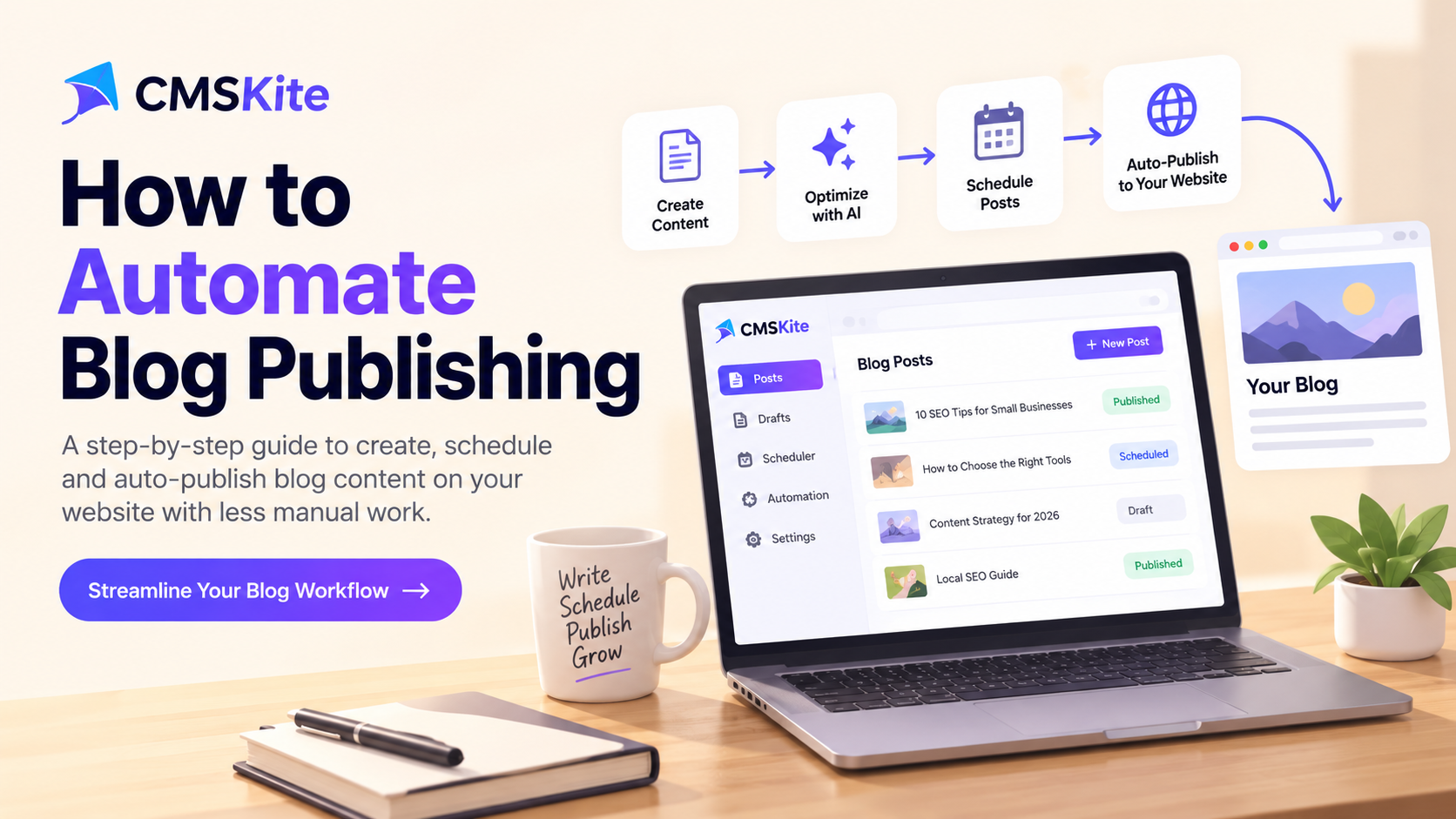
Blog publishing automation helps small businesses and content teams plan, review, schedule, and publish useful articles with less repetitive work. The best workflow does more than save time: it keeps quality checks in place and makes publishing consistent.
You do not need to automate everything at once. Start with a clear process, automate predictable tasks, and keep people responsible for accuracy and final approval.
What is blog publishing automation?
Blog publishing automation uses software and repeatable rules to manage routine steps in the content lifecycle. These steps can include collecting ideas, creating briefs, checking SEO fields, preparing images, scheduling posts, publishing to a website, and reviewing performance.
Automation does not mean removing people from every decision. Topic selection, factual review, brand voice, and final approval still benefit from human judgment.
For example, a small business can plan topics in a calendar, prepare a draft with an AI writing assistant, review it, and schedule the approved article for a chosen date.
Why automate your blog publishing workflow?
When each post depends on someone remembering every task, publishing can become inconsistent. A repeatable workflow helps your team:
- Save time: Reduce copying content between documents and dashboards.
- Publish consistently: Schedule approved posts ahead of time.
- Catch missing details: Check titles, descriptions, links, image alt text, and calls to action.
- Work together clearly: Assign owners and make approval status visible.
- Measure progress: Review which articles are published and how readers respond.
Automation does not guarantee higher rankings. Search engines still need useful, original content. Google's guidance on helpful, reliable, people-first content is a useful quality standard.
How to automate blog publishing in 7 steps
1. Build a focused content calendar
Start with the people you serve and the questions they ask. List common customer questions, product use cases, mistakes to avoid, and comparisons that help readers make decisions. Group ideas into a few themes that match your business.
For each post, record its working title, intended reader, primary keyword, search intent, owner, approval status, and target publication date.
Choose a realistic schedule. One well-researched article is more useful than a stream of thin posts that add little to the reader’s understanding.
2. Turn every idea into a clear brief
Before writing, define the reader’s problem, the main takeaway, supporting points, and the next action the reader should take. Include relevant products or services only when they genuinely help.
A reusable brief also identifies sources to check, examples to include, and pages worth linking to. This keeps drafts focused and reduces repetitive planning.
3. Use AI as an assistant, not an editor-in-chief
AI tools can help brainstorm outlines, suggest headings, summarize supplied source material, or identify gaps. Give them a clear audience, accurate context, and specific instructions about tone and scope.
Then review the draft. Verify claims, replace vague examples with practical details, and remove repetition. Never invent customer stories, test results, quotations, or credentials.
Google’s SEO Starter Guide explains how to make content easier for search engines to understand. Use automation to support useful content, not to mass-produce pages just to target keywords.
4. Add a simple editorial and SEO checklist
Use the same checklist for every draft. It reduces the chance of missing an important detail when the team is busy.
- The title describes the article accurately.
- The introduction answers the reader’s question quickly.
- Headings make the article easy to scan.
- The meta description summarizes the page.
- Internal links lead to relevant supporting content.
- External links support claims that need evidence.
- Images are relevant and have descriptive alt text.
- The call to action fits the reader’s next step.
- Names, dates, statistics, and links have been checked.
- An owner is assigned and approval is recorded.
Some checks can run automatically. A person should still read the article before it goes live.
5. Connect the workflow to your website
Your process needs a reliable way to move approved content to the website. The best approach depends on how the site is built.
A traditional content management system may include scheduling. A custom website might use a headless CMS or content API to keep editing separate from the front-end design. If you use Next.js, check that published articles render as crawlable pages and that metadata, canonical URLs, and sitemap behavior are correct.
For more background, read our guide to building a scalable Next.js blog with a headless CMS. If you already have a website and want to add a blog, see how to add a blog without WordPress.
Choose a setup your team can maintain. Extra tools are not useful if they add more work than they remove.
6. Schedule posts with an approval gate
Once a post passes review, set its publication date and time. Make it easy to distinguish a draft from a post awaiting approval, a scheduled post, and a published article.
Keep final approval for sensitive claims, legal or financial topics, product announcements, and time-dependent facts. If an article becomes outdated before publication, pause it and review it.
After it goes live, check the URL, formatting, images, links, and metadata. A successful scheduling action does not guarantee that every part of the page renders correctly.
7. Measure results and improve the process
Track workflow efficiency and reader outcomes. Useful process metrics include time from idea to publication, drafts waiting for review, missed publication dates, and time spent on repetitive tasks.
For content performance, review organic impressions, clicks, search queries, engaged visits, and conversions when tracking is available. Use these signals to find pages that need clearer titles, better answers, stronger links, or updated information.
Do not measure success by publishing volume alone. If automation increases output but the new articles do not help readers, improve the editorial process before publishing more.
A simple automated blog workflow
A small team can start with eight stages:
- Choose an idea: Add a topic to the calendar and assign an owner.
- Prepare the brief: Define the audience, keyword, outline, and sources.
- Create the draft: Write manually or use AI assistance.
- Review quality: Check accuracy, originality, readability, links, and SEO fields.
- Approve the article: Confirm the exact version that will be published.
- Schedule publication: Send the approved post to the CMS or website.
- Check the live page: Confirm that the page works and can be discovered.
- Review performance: Use the results to improve future articles.
Start by automating the steps that take the most time or are often forgotten. Expand only after the workflow is reliable.
Common mistakes to avoid
Publishing without review. Automated drafts can contain errors or unsupported claims. Have someone check every article before it goes live.
Repeating keywords unnaturally. Use the main phrase where it helps readers understand the topic. Cover related questions naturally.
Ignoring internal links. Relevant links help readers find supporting information and help search engines understand how pages connect.
Automating a broken process. If ownership and approval rules are unclear, automation can make mistakes happen faster. Define the workflow first.
Forgetting what happens after publication. Check live pages, monitor performance, and update content when facts or products change.
Frequently asked questions
Can I automate blog publishing without lowering quality?
Yes. Automate routine tasks such as scheduling, status changes, and metadata reminders. Keep human review for accuracy, originality, usefulness, and brand fit.
Does blog publishing automation improve SEO?
It can help teams publish consistently and avoid technical oversights, but it does not guarantee rankings. Results depend on content quality, accessibility, competition, and search intent.
How often should an automated blog publish posts?
Choose a schedule you can sustain while maintaining quality. Start small and increase frequency only when research and review standards remain strong.
What should I automate first?
Start with the content calendar, reusable briefs, SEO checklist, approval reminders, and scheduling. These tasks are easy to standardize and make time savings easier to measure.
Make your blog workflow easier to manage
A dependable publishing system gives your team a clear path from idea to live article. Start with a focused calendar, add quality checks, schedule only approved content, and review results regularly.
Try CMSKite to manage and publish blog content on your website. Build a simpler workflow while keeping quality and the reader experience at the center of every post.
- blog publishing automation
- content marketing
- content strategy
- seo
- CMSKite