







A blog on the website you already have.
Website builders paste two lines. AI app builders paste one prompt. Pick yours for the exact steps, the problems people hit on it, and what to do for SEO there.
Pick your platform below.
Each guide shows where the two lines go on that platform, the problems people hit there, and the one or two SEO settings that matter on it.
The dashboard’s Connect your website screen gives you the same steps with your blog’s name filled in, and turns green once your site says hello.
| Platform | Element |
|---|---|
| WordPress | Custom HTML block |
| Wix | Embed HTML |
| Shopify | Custom Liquid section |
| Webflow | Code Embed |
| Squarespace | Code block |
AI app builders get one prompt from the dashboard instead of code.
Two lines, on any site.
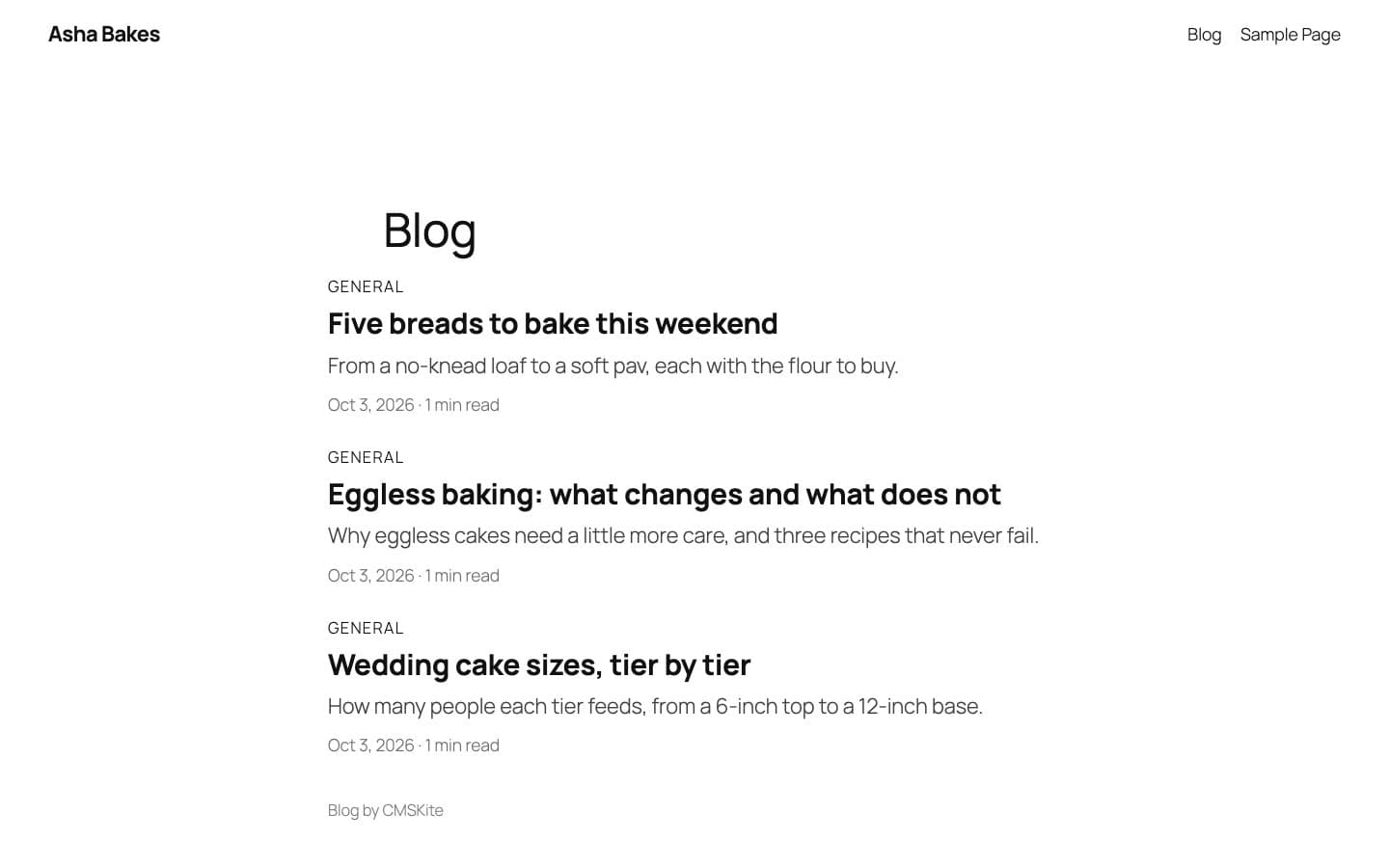
Not on the list? If your site lets you paste HTML with a script, the embed works there. Posts appear in your page’s own fonts and colours, and a click opens the post on the same page, with its own address.
It needs JavaScript in the reader’s browser. Google runs it; many AI crawlers and link previews do not. For those, use the API or your free blog link.
<div id="cmskite-blog"></div>
<script src="https://cmskite.com/embed.js" data-blog="your-blog" async></script>
Your blog’s name replaces your-blog. Same two lines on every plan, Free included.
Render posts on your own server.
A REST API with a read-only key, the cmskite SDK on npm, webhooks to rebuild on publish, and an MCP server so an AI assistant can draft and file posts within your role. Every plan, Free included.
Server-rendered posts reach every crawler, including the ones behind AI assistants.
import { createCMSKite } from 'cmskite'

const cms = createCMSKite({ apiKey: process.env.CMSKITE_KEY! })
const { items } = await cms.posts.list({ limit: 10 })
const post = await cms.posts.findBySlug(slug)
MCP: https://api.cmskite.com/mcp in Claude, ChatGPT, Cursor and others.
Website builders and stores
Paste two lines on one page, no plugin or app
WordPress
A Custom HTML block on your blog page. No plugin, and writers never get a WordPress login.
Read the guide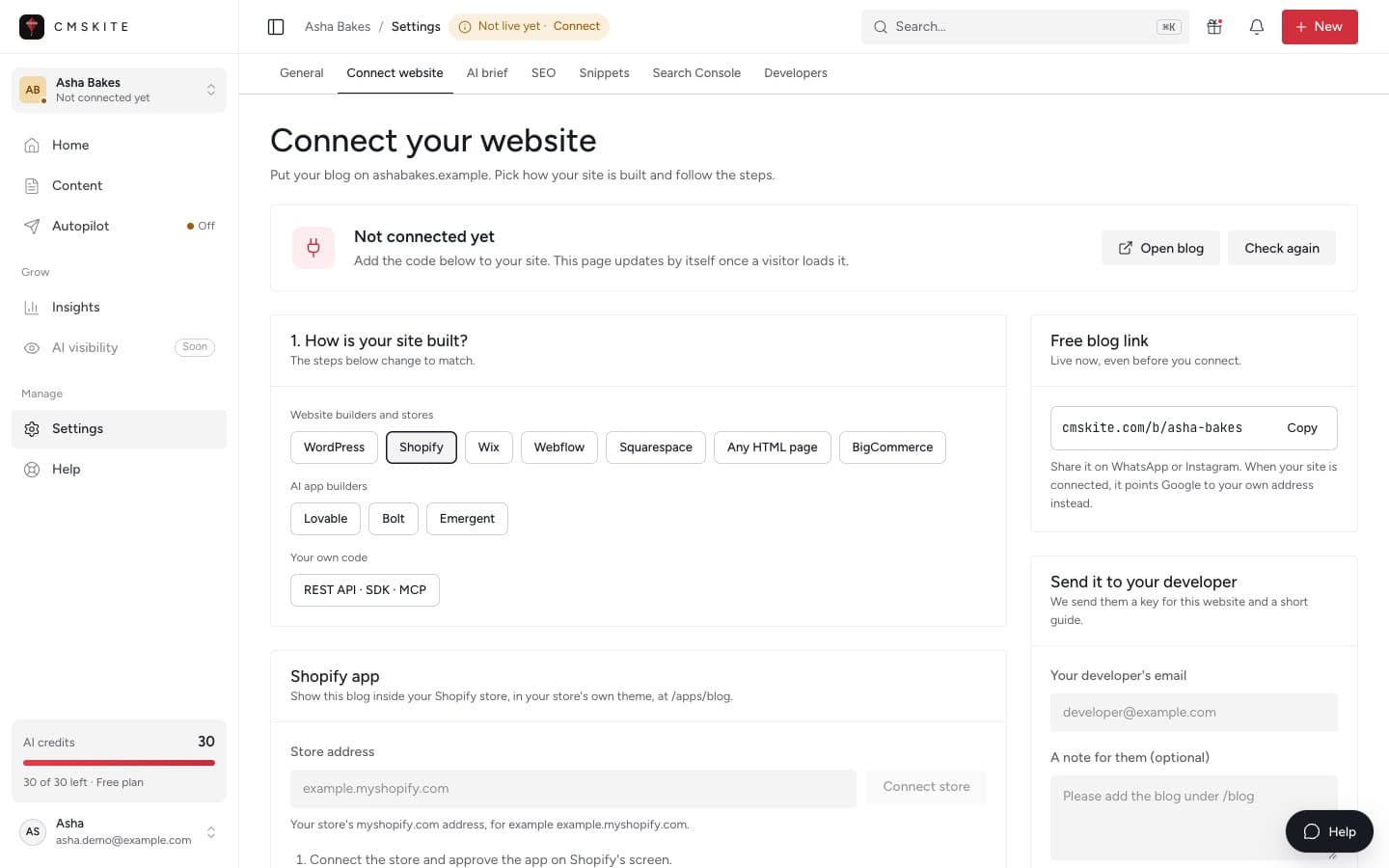
Shopify
A Custom Liquid section in your theme. Writers never see orders or customers.
Read the guide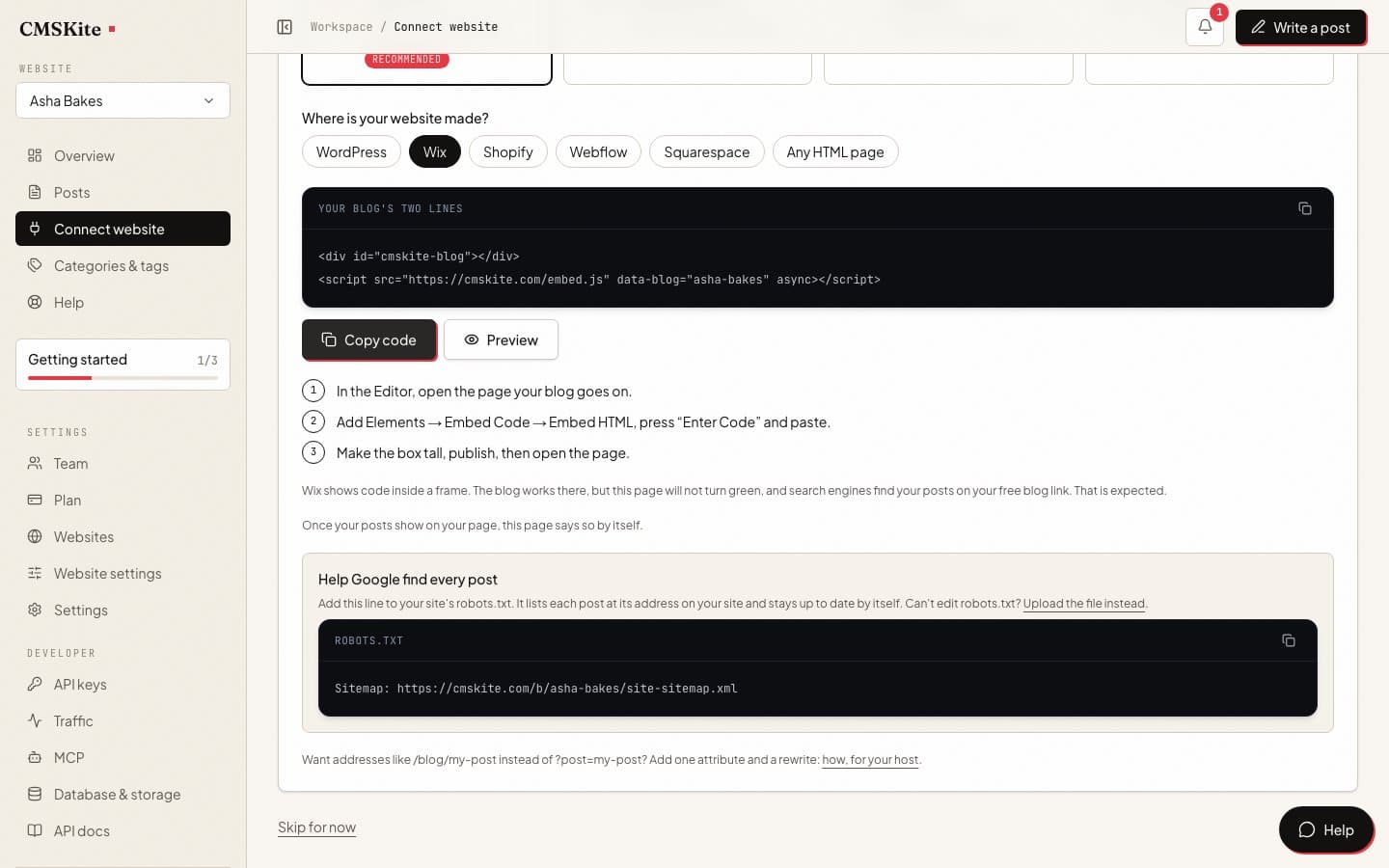
Wix
The Embed HTML element. Posts rank on your free blog link, and the guide says why.
Read the guide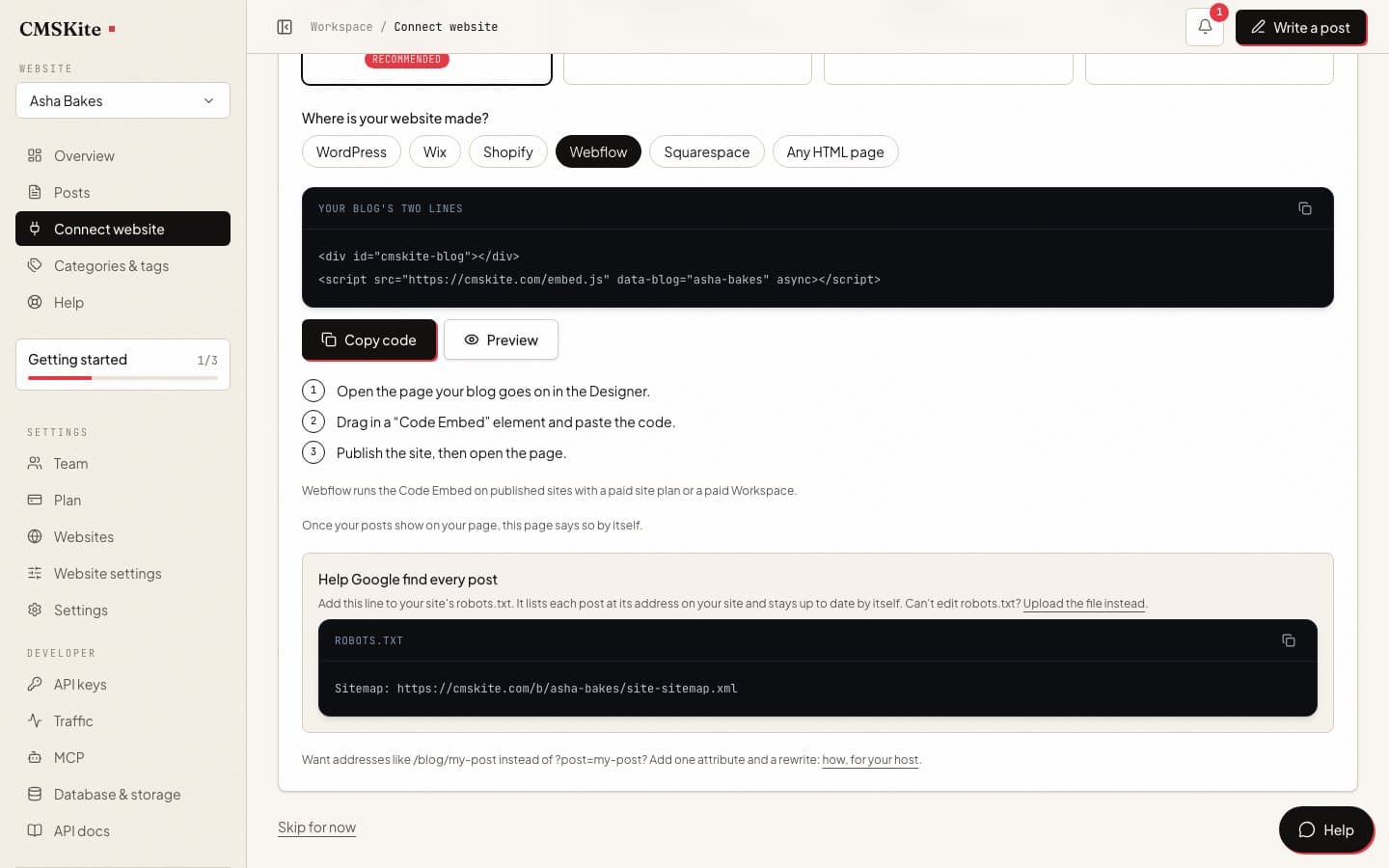
Webflow
A Code Embed element. Posts are not CMS items, so plans without the CMS work.
Read the guide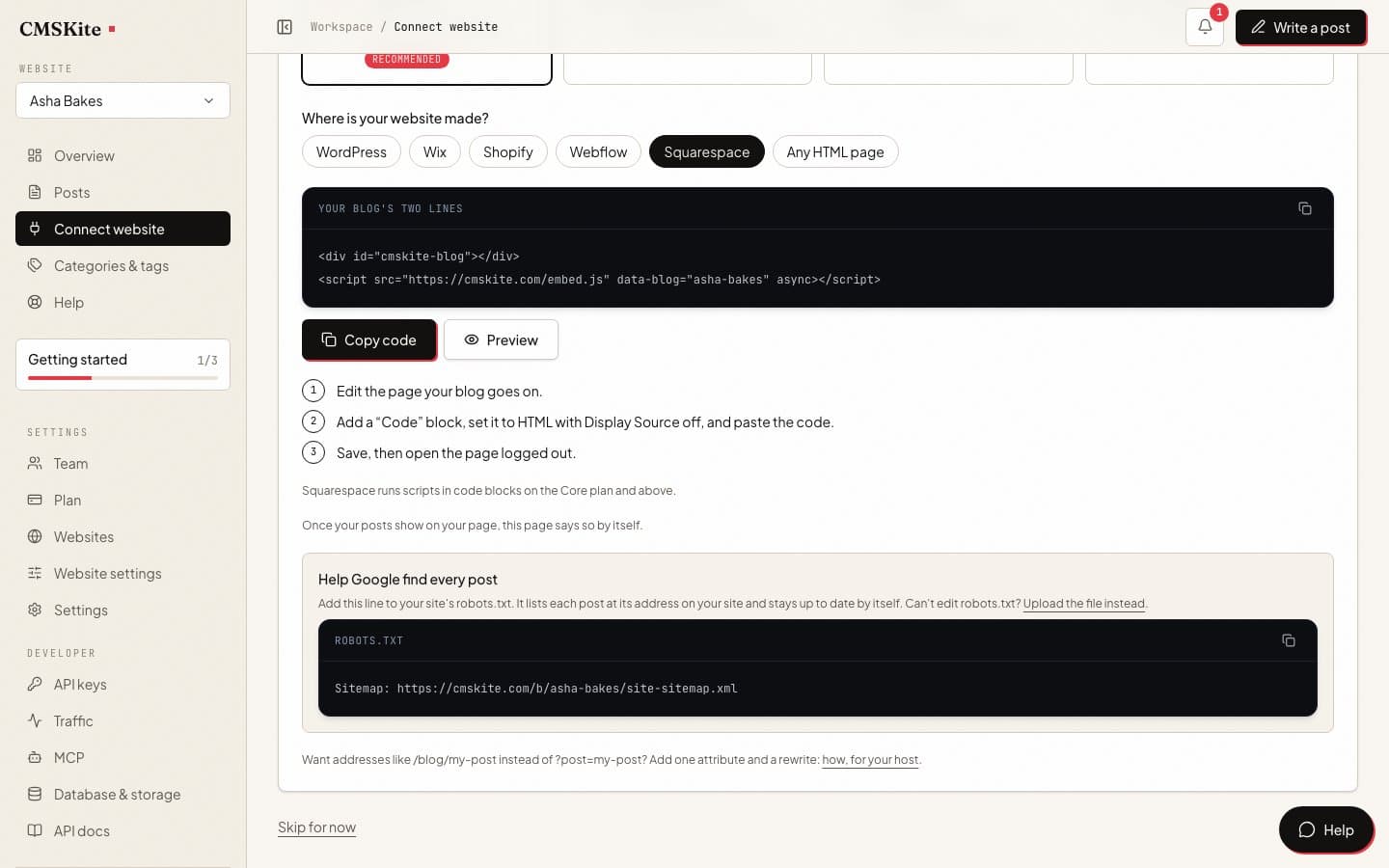
Squarespace
A Code block on Core or above, with the one SEO limit to know first.
Read the guide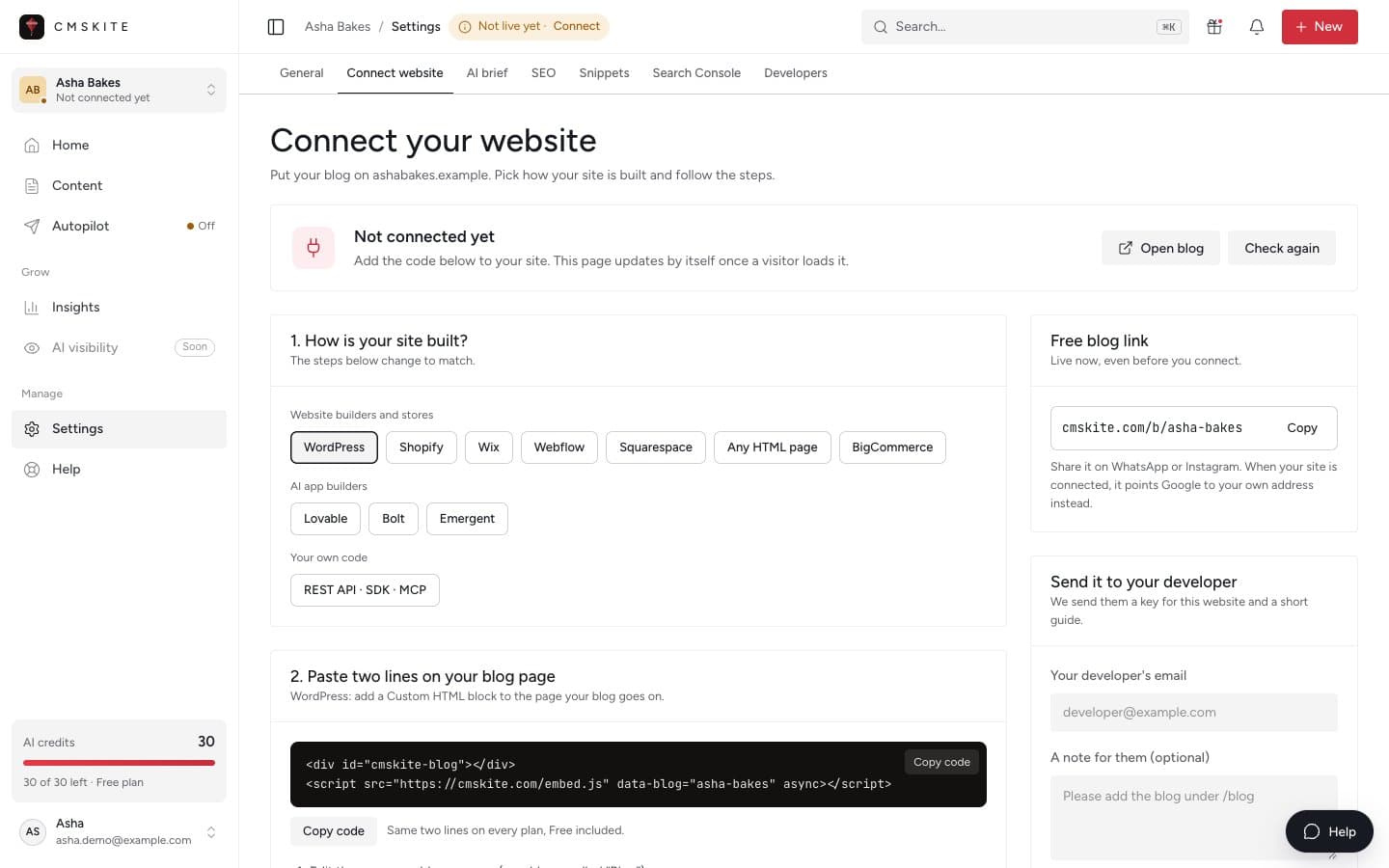
Another site
Your own HTML, or any builder that lets you paste a script. The same two lines work there.
See the HTML embedAI app builders
Paste one prompt, publish once
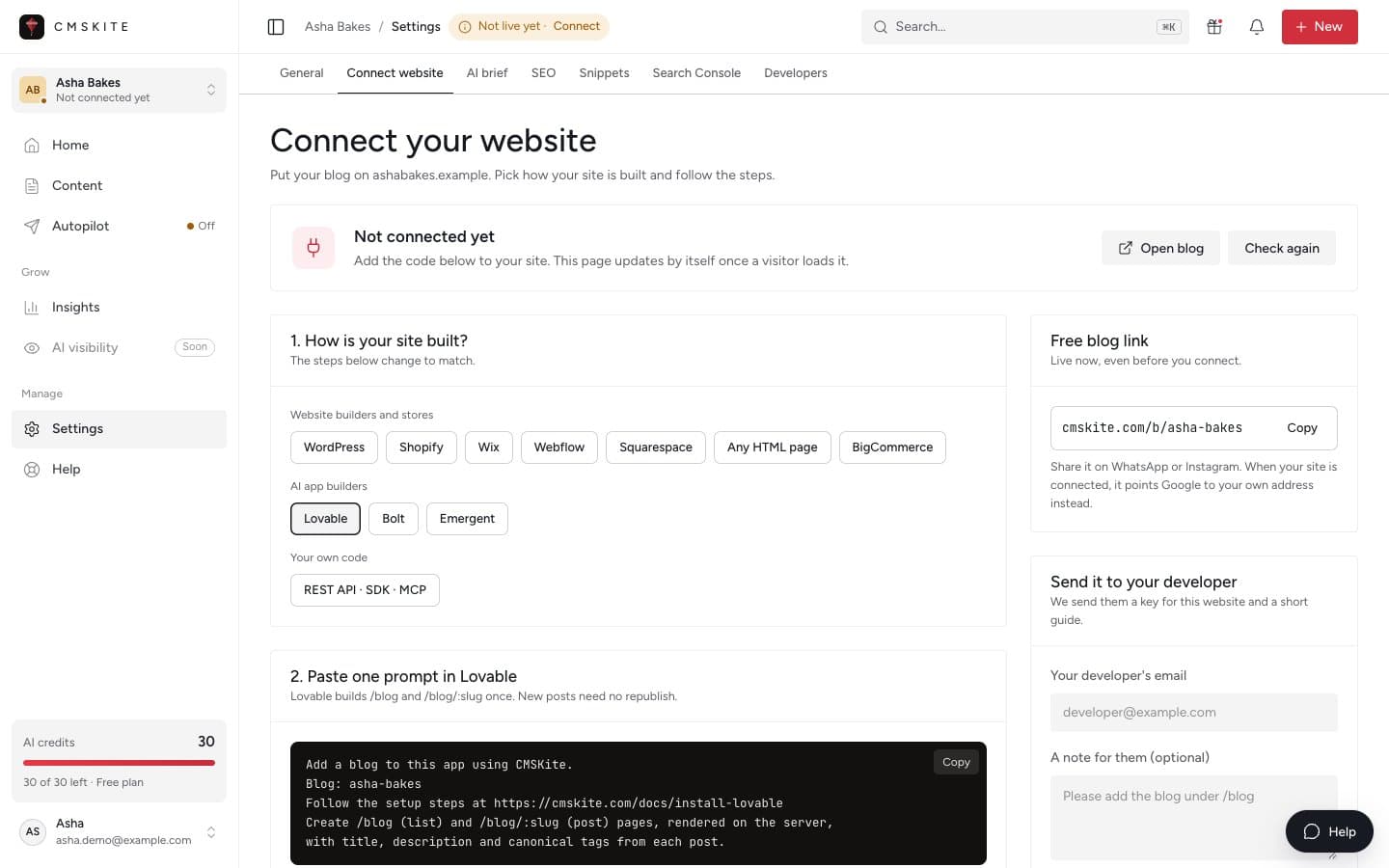
Written for the platform, including what does not work.
Exact steps
Which element to add, which page to put it on, and the button names as the platform shows them today.
SEO on that platform
The canonical link and sitemap setup for each one. Where a platform blocks it, as Wix and Squarespace do, the guide says so and gives the alternative.
When to keep the built-in blog
Every guide has a side-by-side table with the platform’s own blog, and says when that one is the better pick.
Your blog can be live today.
Start free, no card. Publish on your free blog link now, and add it to your site when you are ready.
Free plan forever · No card · Free 10-minute setup call